Free GIF Background Remover
See GIF Background Removal in Action
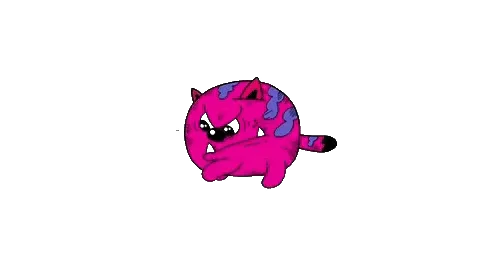
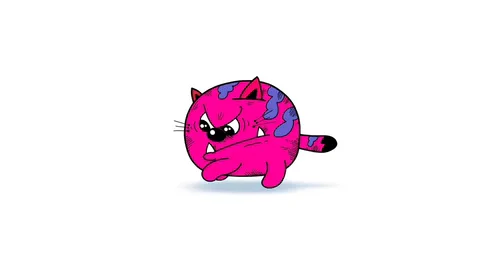
Drag the slider to compare the original clip with the clean transparent GIF — sharp edges, smooth motion, ready for any chat.
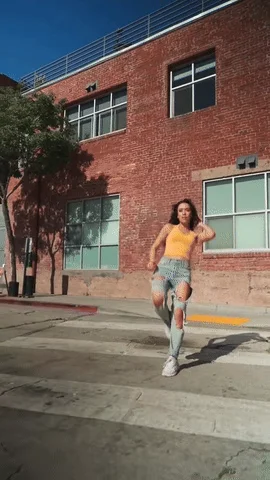
Smooth Motion GIF Background Removal
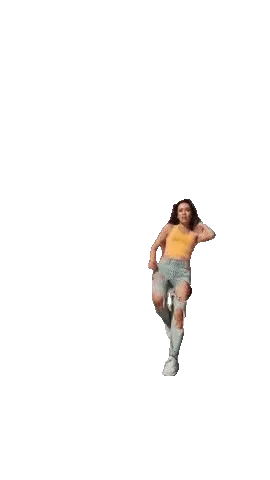
Hands and fast moves stay clean — no flickering edges, no jittery frames.
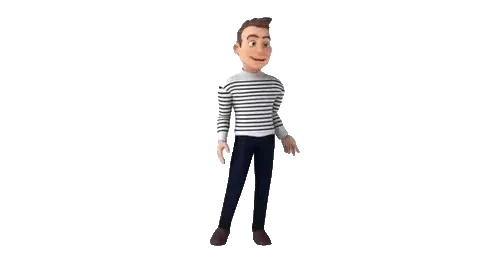
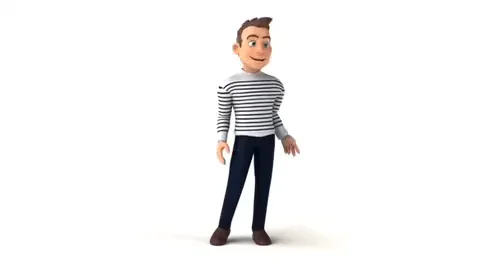
Anime & Cartoon GIF Background Removal
Pull a character out of an anime or cartoon clip — clean edges, no leftover background, ready for an edit or sticker pack.
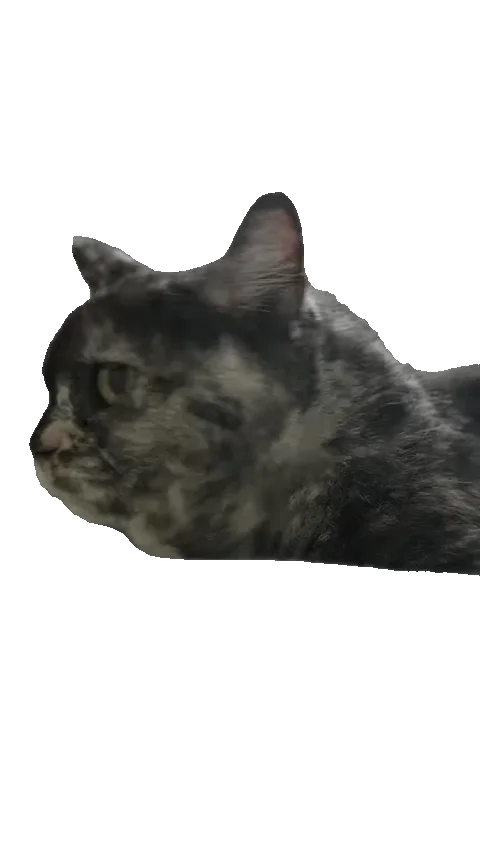
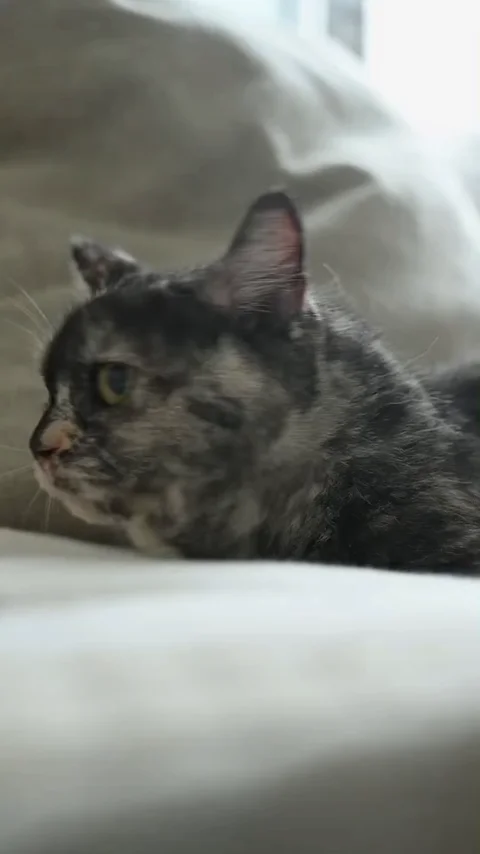
Casual Clips GIF Background Removal
Shot in your bedroom, the kitchen, or outdoors — different lighting, different backgrounds. The AI handles it.
Logos & UI GIF Background Removal
Brand logos, UI icons, and graphic elements keep their transparency — drop them straight into a website or product page.
How to Remove a GIF Background in 3 Steps
No editing skills needed. Upload, process, and share — your GIF is ready in minutes.
Upload Your Clip
Upload MP4, MOV, WebM, or GIF from your phone, TikTok, Reels, Shorts, or anywhere else. Free tier supports clips up to 15 seconds.
AI Removes the GIF Background
Our AI separates the subject from the background automatically. Most clips process in minutes — upload and let it work while you do something else.
Share Anywhere
GIF can be sent in any chat app — Telegram, Discord, WhatsApp, Messenger — just like sending a photo. WebM with full alpha channel for websites, online stores, and video editing.
What Can You Make with GIF Background Removal? Stickers, Memes, Emojis & More
From group chat GIFs to website assets — your subject, minus the background, ready for anywhere you post.
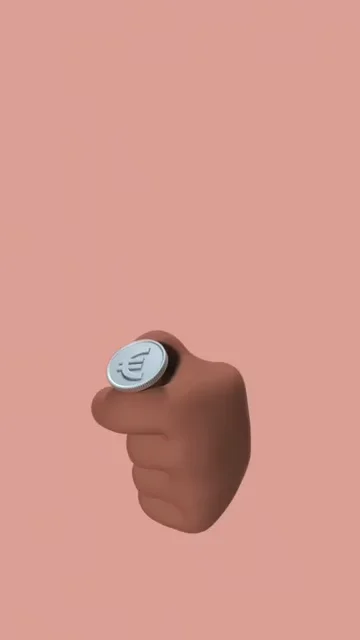
Remove the GIF Background to Make Chat Stickers for Any App
Making a sticker by hand means tracing every frame. Nobody has the patience to cut it out bit by bit. You need a clean cutout without the learning curve.
Upload your video, get a transparent GIF, send it to the group chat. No frame-by-frame tracing, no alpha channel guesswork. Works in Telegram, Discord, WhatsApp, Messenger — just like sending a photo.
Make a Transparent GIF for Free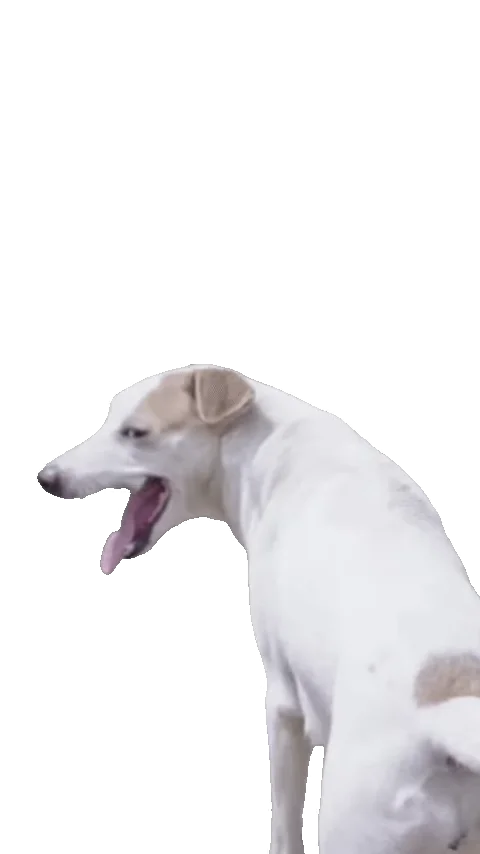
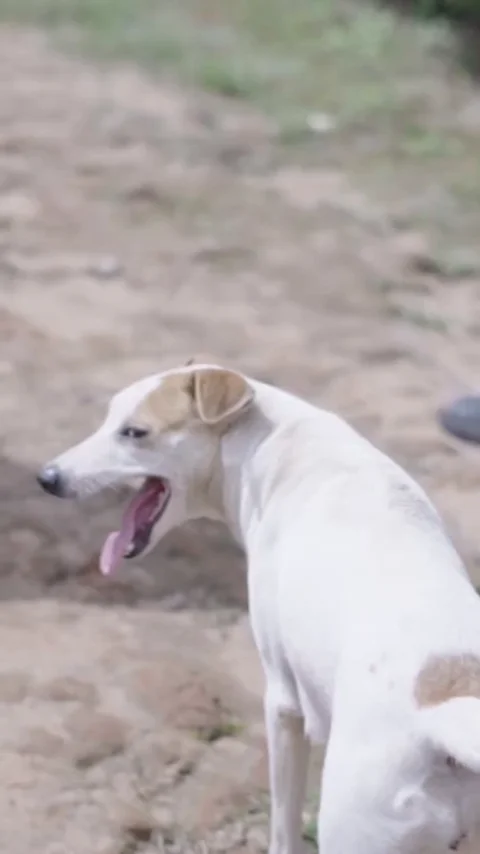
Remove the GIF Background from Reaction GIFs & Memes
The perfect reaction GIF can't wait. After hours of cutout, the urge to share is gone — and the group chat has already moved on.
Strip the background, keep the expression, export as animated GIF. Drop it straight into Discord, X, Reddit, or your group chat. The punchline lands cleaner — and faster.
Make a Transparent GIF for Free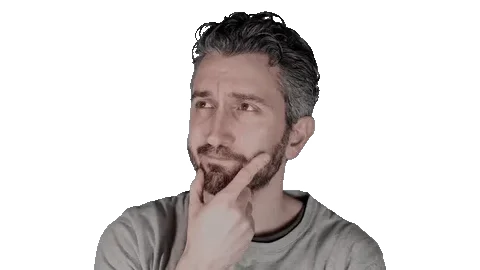
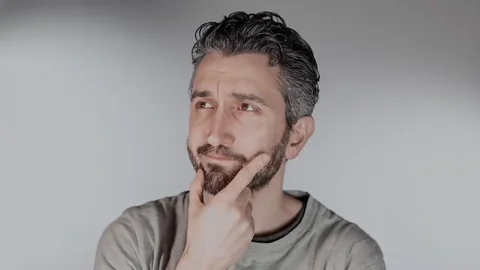
Turn Yourself into Personal Emojis with GIF Background Removal
You want your own animated emojis — not a static image you settle for, and not the effort of learning design or animation.
Record yourself, remove the background, get a transparent GIF of you. Your own reaction face. Send it to the group chat and watch the replies roll in.
Make a Transparent GIF for Free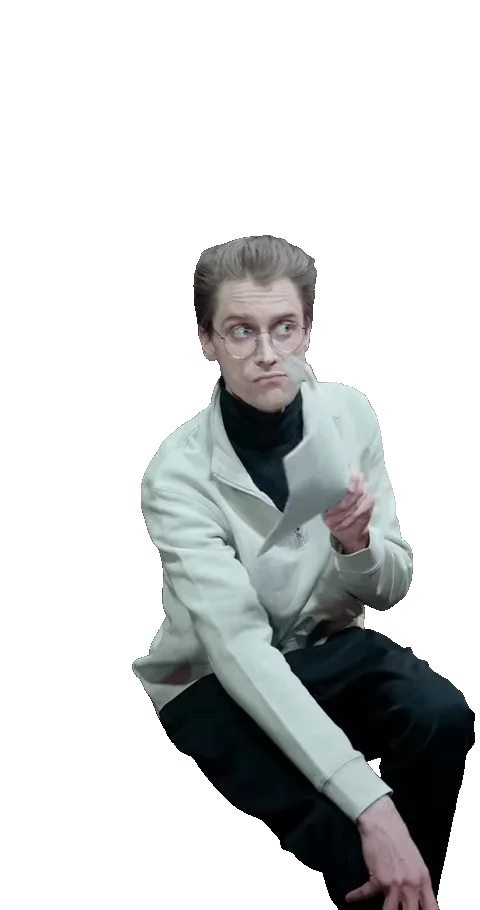
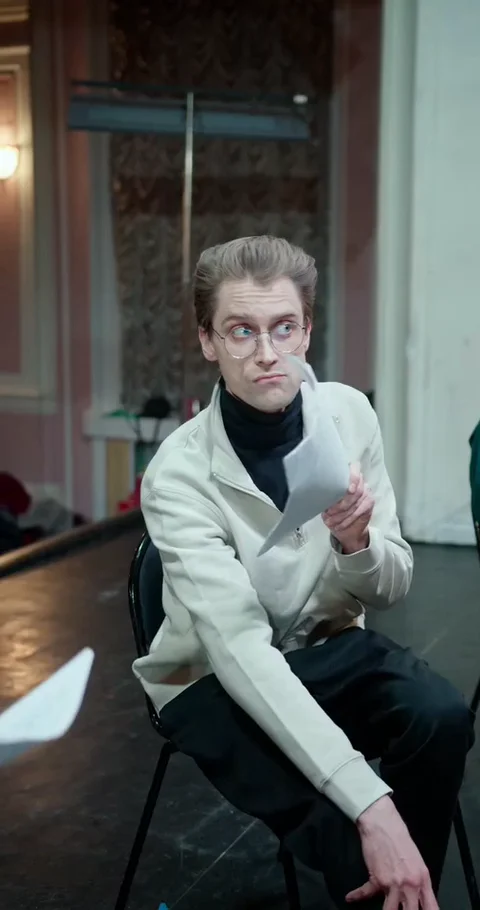
Layer Story & Short Video Stickers by Removing the GIF Background
Manual cutout takes forever and still leaves a bunch of fuzzy edges. You want a clean sticker, not edges you keep fixing.
Remove the background from a clip and layer it over your short video. Your sticker, your edit — clean edges, no background rectangle. Export as GIF or WebM and drop it straight into your edit.
Make a Transparent GIF for Free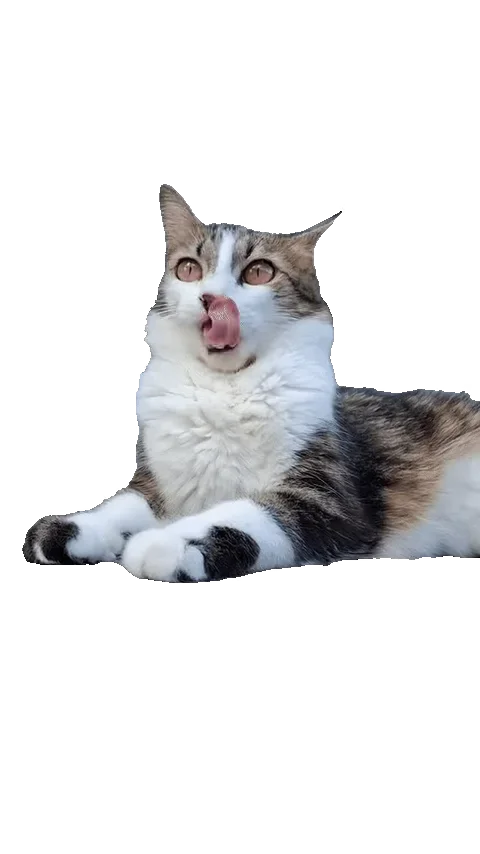
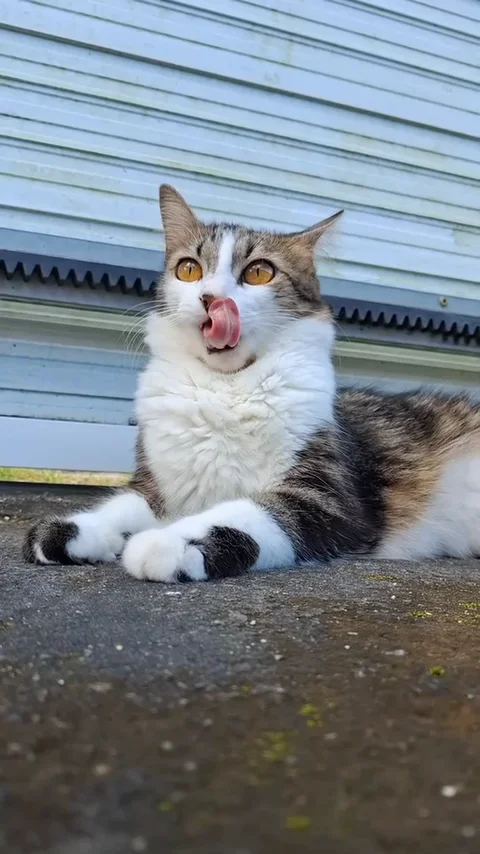
Make Pet & Animal Stickers with GIF Background Removal
Pets move fast and backgrounds get messy. The tedious manual cutout kills the urge to share it at all.
Film your pet, remove the background, and turn them into a transparent GIF. Your dog, your cat, your cockatiel — send it to any chat app.
Make a Transparent GIF for Free
One GIF Background Removal, Export to Every Platform
A transparent GIF is fine for chat — but drop it into a video or webpage and the jagged edges show. One upload gives you GIF for sharing and clean-edged WebM for editing and web.
Export once as transparent GIF — works in Telegram, Discord, WhatsApp, Messenger, forums, and anywhere you can paste an image. Need higher quality for a website or online store? Grab the WebM with full alpha channel. One upload, all your formats.
Make a Transparent GIF for FreeWhy Use Our GIF Background Remover?
From your camera roll to your group chat — everything you need to turn a clip into a clean transparent GIF. No tracing, no learning curve.
One-Click GIF Background Removal, No Manual Tracing
Upload your clip and the AI handles every frame — a clean transparent GIF in minutes, not hours of frame-by-frame tracing.
Smooth Motion GIF Background Removal, Frame by Frame
The action and expression stay intact — no flickering edges, no jittery frames. What made the clip funny still reads.
Crisp Edges with GIF Background Removal on Fine Details
Moving hands, fast gestures, and small details stay crisp — the cutout holds up across every frame instead of fraying.
GIF Background Removal from Any Source
Shot on your phone, pulled from TikTok, Reels, or Shorts, or an existing GIF. MP4, MOV, WebM, and GIF all work — one clip in, one transparent GIF out.
GIF for Chat, WebM for Web
Send a transparent GIF in any chat app like a photo. Grab the WebM with full alpha channel for websites, stores, and editing.
Memes, Stickers, Emojis & More with GIF Background Removal
Reaction memes, chat stickers, personal emojis, brand logos, product showcases — if it moves, you can cut it out.
AI GIF Background Removal vs. Manual Tools
Faster, cleaner, and no learning curve.
| Feature | VidBG Remover | Photoshop (Frame by Frame) | GIMP | Removebg (Static Only) |
|---|---|---|---|---|
| Setup Time | Upload and wait | Hours per clip | Hours per clip | Instant (single frame) |
| Works on Video | Yes | Yes (import as frames) | Yes (import as frames) | No |
| Transparent GIF Output | One click | Yes (manual export) | Yes (manual export) | No |
| Learning Curve | None | High | High | None |
| Preserves Fine Details | AI-optimized | Varies (manual skill) | Varies (manual skill) | Good |
| Batch Processing | Automatic | Manual per frame | Manual per frame | N/A (animated GIFs) |
| Cost | Pay-as-you-go | Subscription | Free (high time cost) | Per-image pricing |
Simple, Transparent GIF Background Remover Pricing
No subscriptions. No hidden fees. Buy credits once, use them whenever you need. GIF export costs an additional credit to cover the transcode.
Starter
Includes
- 240 credits
- ~120s Video Background Removal (Basic)
- Credits never expire
- Ads-Free Experience
Creator
Includes
- 960 credits
- ~480s Video Background Removal (Basic)
- Credits never expire
- Ads-Free Experience
Pro
Includes
- 3,000 credits
- ~1,500s Video Background Removal (Basic)
- Credits never expire
- Ads-Free Experience
Max
Includes
- 12,000 credits
- ~6,000s Video Background Removal (Basic)
- Credits never expire
- Ads-Free Experience
GIF Background Remover — Frequently Asked Questions
Have another question? Contact us by email.
Yes. You can send a transparent GIF in any chat app the same way you'd send a photo. The background stays transparent so the GIF blends right into the conversation. For adding GIFs as official stickers or emojis, check your app's sticker feature — each platform handles custom stickers differently.
Anything that moves and needs a transparent background. Reaction GIFs and memes for social media. Personal emojis of yourself or your friends. Brand logos and UI animations for websites. Product showcases for online stores. Stream overlays, pet GIFs, and more. If you can film it, you can cut it out.
GIF is universally supported — it works in messaging apps, forums, and anywhere you can paste an image. GIF uses 1-bit transparency, so each pixel is either fully transparent or fully opaque; this gives the classic sharp-edged look but can look jagged on fine details. WebM supports full alpha with semi-transparent pixels, so edges are smoother and file size is smaller — ideal for websites, online stores, and video editing. Choose GIF for universal sharing; choose WebM for the cleanest edges.
Yes. GIFs support 1-bit transparency — each pixel is either fully transparent or fully opaque. There's no semi-transparency (alpha channel) in GIF. If you need smooth semi-transparency (for glass objects, soft shadows, etc.), download WebM instead — it supports full alpha channel.
It depends. Transparency data can add a small amount, but in many cases the file size stays similar or even shrinks since the background pixels are simplified. Our tool optimizes each frame to keep files balanced for sharing.
Yes. Our AI handles white backgrounds, colored backgrounds, and complex scenes alike — it separates the subject from whatever is behind it. Whether it is a product photo on white or a clip shot in your living room, the result is the same: a clean transparent background.
You can upload files up to 200 MB in MP4, WebM, MOV, or animated GIF format. Free tier supports clips up to 15 seconds; longer videos are automatically trimmed.
Yes, it works in your phone's browser — no app download needed. Upload a video from your camera roll, process it, and download the transparent GIF, all on your phone. Desktop works too.
Upload MP4, MOV, WebM, or an animated GIF — from your phone, TikTok, Reels, Shorts, or anywhere else. Already have a GIF? It works too: we convert it for AI processing, remove the background, and you download a fresh transparent GIF or WebM.
Background removal typically takes 2-3x the video duration. GIF transcode adds 1-3 minutes after the background is removed. Most short clips are ready in under 5 minutes total. To keep the service stable, we limit how many tasks run at once. Free tasks may queue, so processing can take longer than estimated. Credit-pack buyers have priority over free tasks that have not started.
Free videos are available for 24 hours; videos uploaded after purchasing a credit pack are available for 7 days. Files are then scheduled for automatic deletion. We never train models on your content.
Ready to Remove Your GIF Background?
From your phone to your group chat — a transparent GIF in minutes. No credit card needed.