
Change the Background of a Video — Free Online

Choose a new background
Preview and change backgrounds freely. Final MP4 exports use your daily limit.
JPEG, PNG or WebP, up to 10MB
Or try one of these backgrounds
Why Use Our Video Background Changer?
Everything a video background changer should do: put your subject in front of a new backdrop — an image, a brand color, or a clean studio look — without reshooting or manual masking.
One Click to Change the Video Background
Upload your clip and the AI separates the subject from whatever is behind it — no masking, no keyframing, no per-frame cleanup.
Replace the Video Background with Any Image
Upload your own photo or pick a preset — a lifestyle scene, a branded backdrop, or a clean studio look — and the AI composites your subject in front of it.
Change the Video Background Color
White, black, and green presets plus a color picker for any solid color. A video background color changer without a separate tool — same upload, same pipeline.
Clean Edges on Hair and Motion
Fine hair, fast gestures, and small details stay crisp frame by frame, so the new background looks natural instead of pasted on.
Export a Finished MP4
Your video comes out with the new background baked in — an ordinary MP4 you can post, send, or embed anywhere. No alpha channel required.
Need a Transparent Version Instead?
This tool exports an opaque MP4 with your new background baked in. If you need a transparent-background clip for your own editing pipeline, use our Video Background Remover — it exports WebM and MOV with a full alpha channel.
The Clean Cutout Behind Every Video Background Change
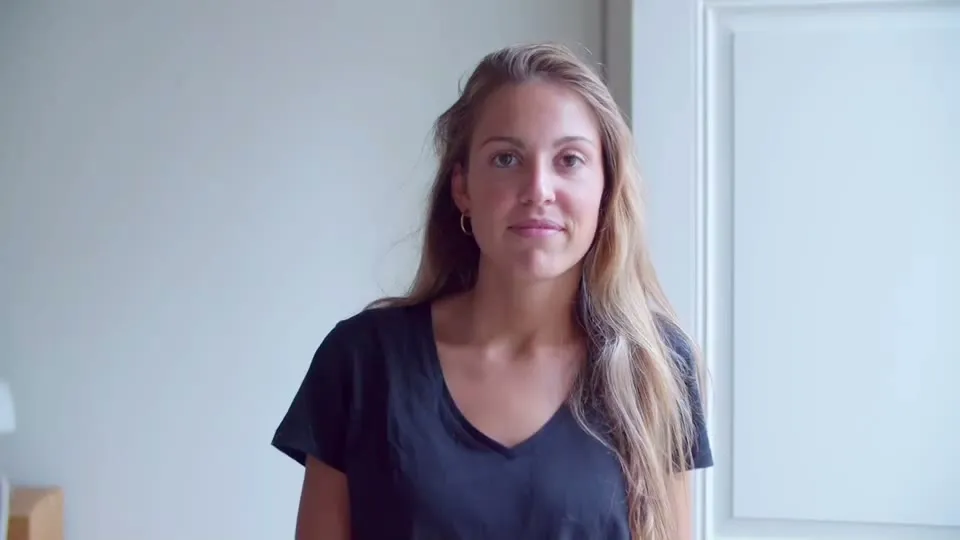
A swapped background only looks natural if the cutout is clean. Drag the slider to compare the original clip with the AI cutout — the same cutout your new image or color sits behind.


Product Cutouts for a Video Background Change
Packaging edges and product details stay sharp, ready to drop onto a lifestyle scene or a clean white backdrop.


Change the Background of Talking-Head Videos
Record anywhere — the AI lifts you out of the room so you can appear in front of slides, a branded color, or a virtual set.

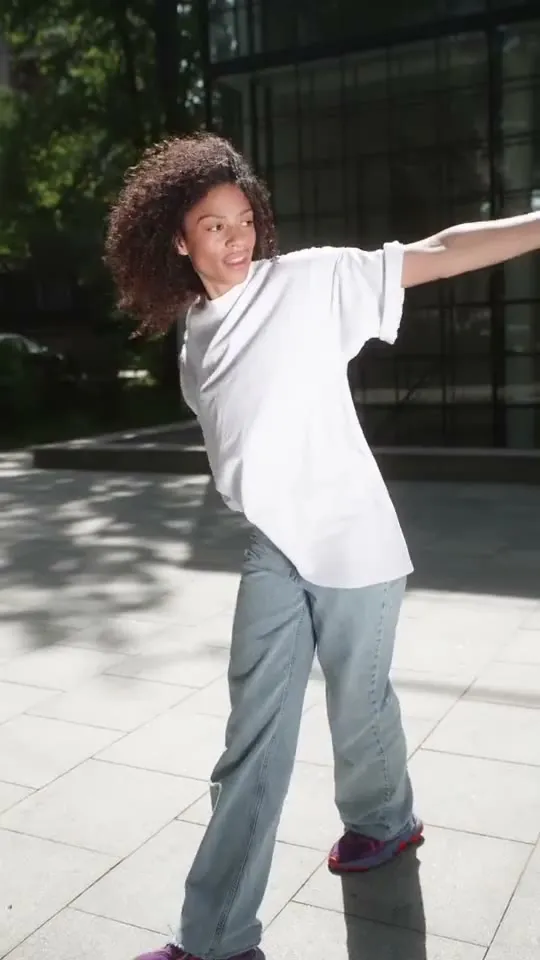
Fast Motion Stays Clean
Dancing, gestures, and quick movement keep smooth edges across every frame — no flickering outline over your new background.

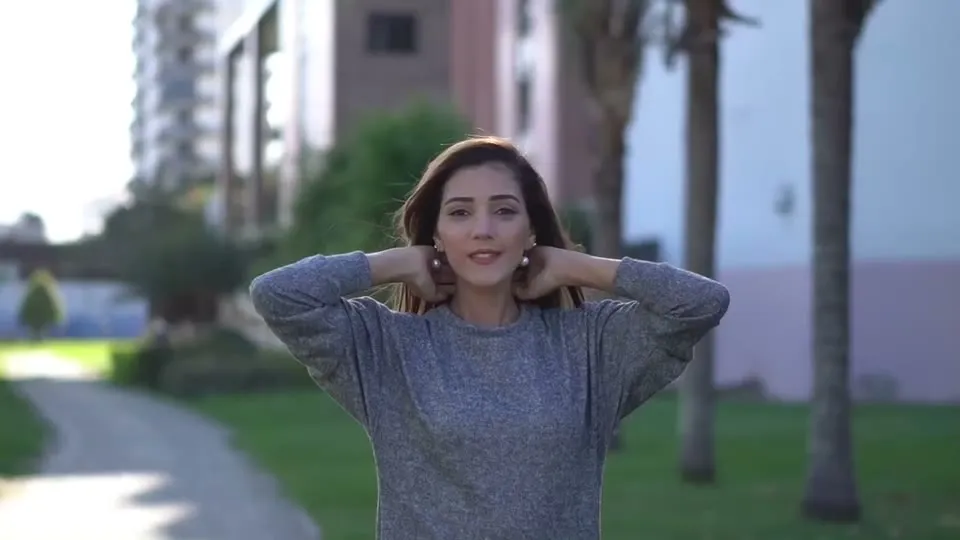
Fine Hair and Soft Edges
Flyaway hair and shallow depth-of-field transitions stay intact, so the composite holds up even on close-ups.
How to Change a Video Background in 3 Steps
Changing a video background takes no green screen and no editing skills — upload, pick a new background, export.
Add Your Video and New Background
Choose an MP4, MOV, or WebM plus your own image, a preset, or a solid color before processing starts.
Preview and Adjust
AI removes the old background while your choice stays ready. Preview the result and switch images or colors as often as you need before export.
Export Your MP4
Check your daily background-export allowance, then download a finished MP4 with the new background baked in.
What Can You Do with a Video Background Changer?
One shoot, unlimited backdrops — product pages, social posts, brand colors, and virtual sets without reshooting.


Change Product Video Backgrounds for Every Campaign
Reshooting product videos for every season, channel, or promotion is expensive. One clip ends up locked to one backdrop.
Film once, then swap the backdrop for each campaign — a clean white for the product page, a lifestyle scene for ads, a brand color for social. The same footage works everywhere.
Change Your Video Background for Free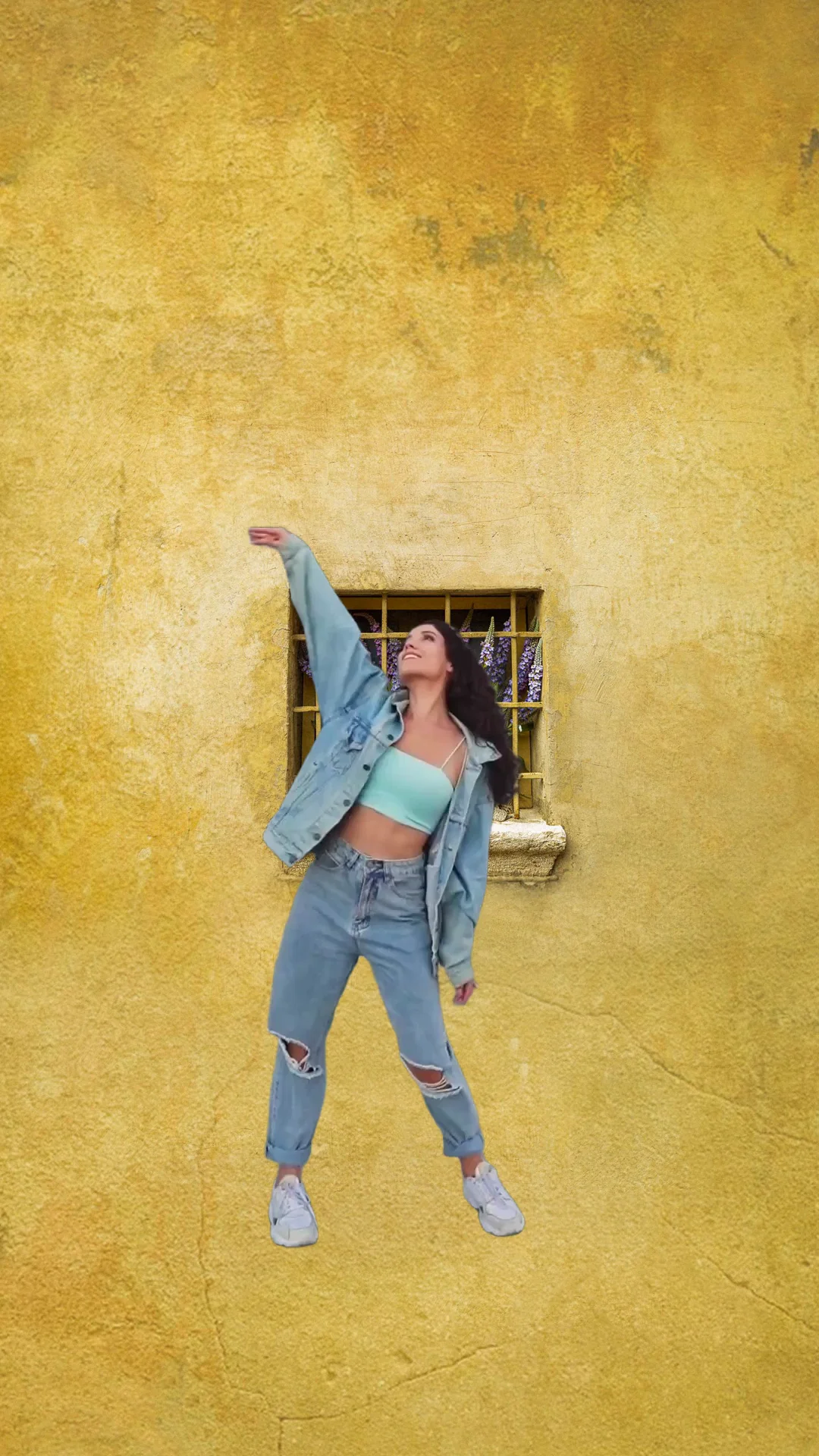
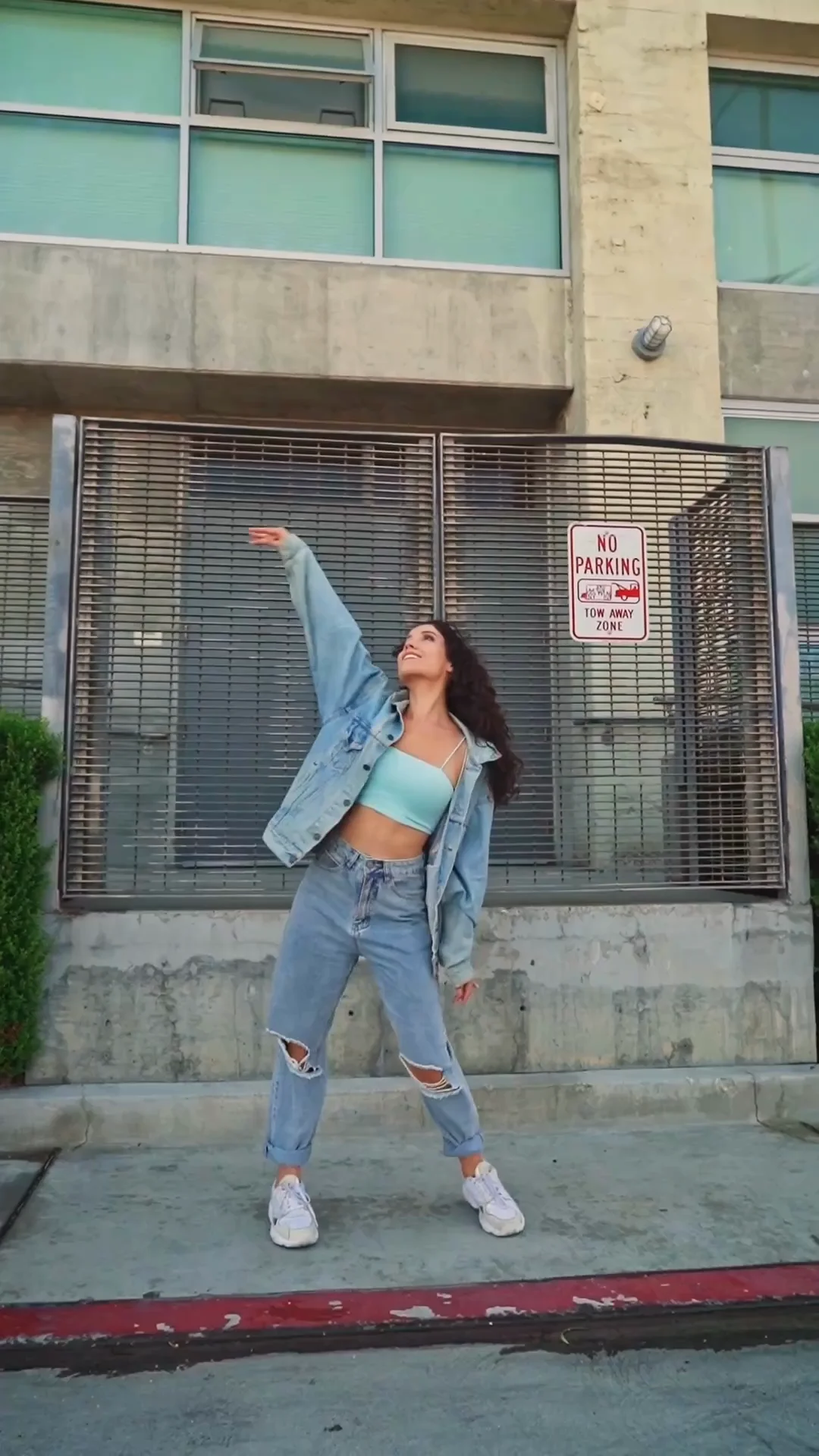
Put Yourself in Any Scene for Social Content
Your room is messy, the lighting is off, and the trend you want to post is already moving on. Reshooting somewhere else isn't an option.
Record where you are, then change the background to whatever fits the post — a city street, a beach, a solid brand color. Your dancing, gestures, and expressions stay intact over the new backdrop.
Change Your Video Background for Free

Brand-Color Video Backgrounds Without a Studio
You want every video on the same branded backdrop, but renting a studio or building a set for each shoot doesn't scale.
Pick your exact brand color from the color picker, or upload a branded backdrop image. Every presenter, product, and clip ends up on the same consistent background — no studio required.
Change Your Video Background for Free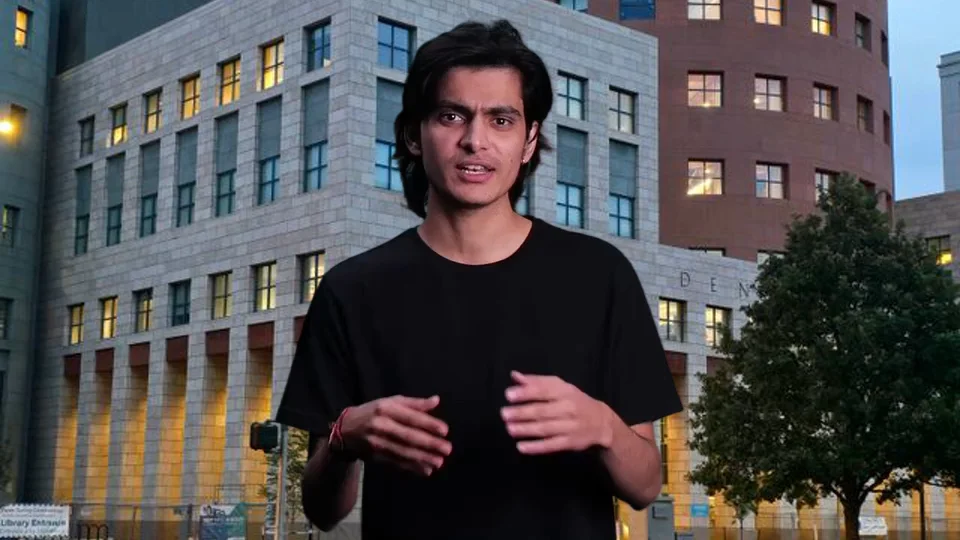
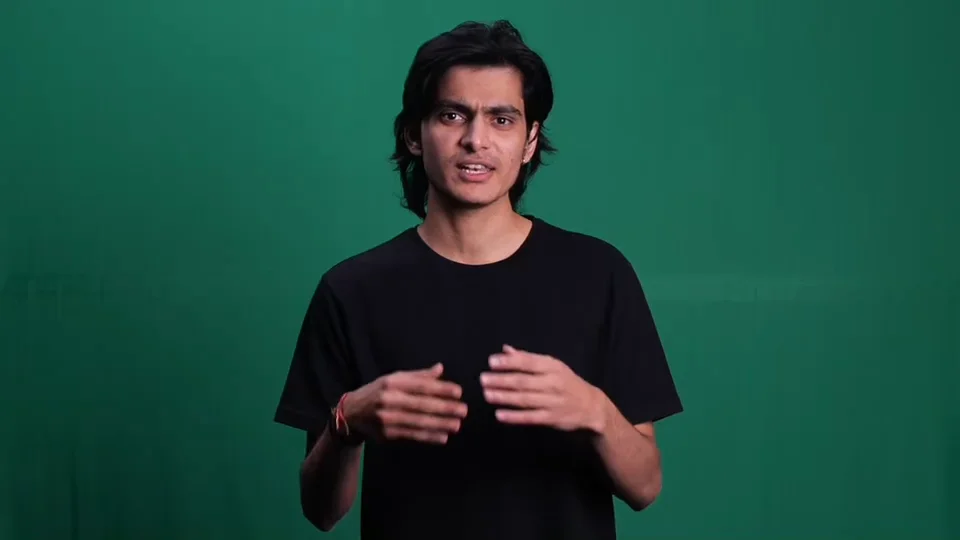
Record Courses and Presentations Anywhere
Home offices don't look like lecture halls. Viewers judge the content by the backdrop, and tidying the room only goes so far.
Record at your desk, then replace the room with a clean office, a branded color, or a backdrop that matches your slides. Students see you — not your laundry pile.
Change Your Video Background for Free

Reuse Talking-Head Footage Across Projects
Interviews and talking-head clips get used once because the background locks them to one context.
Change the backdrop to fit each project — a neutral office for the company page, a bold color for the promo cut. One interview serves every channel, exported as an ordinary MP4.
Change Your Video Background for FreeAI vs. Traditional Ways to Change a Video Background
New backdrop, no reshoot, no manual compositing.
| Feature | VidBG Remover | Manual Compositing (After Effects) | Green Screen Reshoot |
|---|---|---|---|
| Works on Existing Footage | Yes | Yes (frame by frame) | No — re-film required |
| Custom Image Background | Upload any image | Yes (manual keying) | Only what you can shoot |
| Solid Color Background | Presets + color picker | Yes (manual) | Only what you can shoot |
| Setup Time | Upload and wait | Minutes to hours per clip | Hours to days |
| Hair & Fine Details | AI-optimized | Depends on operator skill | Depends on lighting & keying |
| Learning Curve | None | High | Medium (lighting & setup) |
| Cost | Pay-as-you-go | Subscription | Equipment + time |
Simple Pricing for Changing Video Backgrounds
No subscriptions. No hidden fees. Buy credits once, use them whenever you need to change a video background.
Starter
Includes
- 240 credits
- ~120s Video Background Removal (Basic)
- Credits never expire
- Ads-Free Experience
Creator
Includes
- 960 credits
- ~480s Video Background Removal (Basic)
- Credits never expire
- Ads-Free Experience
Pro
Includes
- 3,000 credits
- ~1,500s Video Background Removal (Basic)
- Credits never expire
- Ads-Free Experience
Max
Includes
- 12,000 credits
- ~6,000s Video Background Removal (Basic)
- Credits never expire
- Ads-Free Experience
Video Background Changer — Frequently Asked Questions
Have another question? Contact us by email.
Yes. Upload your own photo or choose a preset, and the AI composites your subject in front of it. The new background is a static image — it stays still while your subject moves. The finished video exports as an ordinary MP4 you can share anywhere.
Yes. Pick white, black, or green from the presets, or use the color picker for any solid color. A solid color is just a generated backdrop image running through the same pipeline — so changing the video background color works exactly like changing it to an image.
No. The AI separates your subject from whatever is behind it — a bedroom, an office, or the outdoors. If your footage was already shot on a green screen, our dedicated green screen background remover is tuned for that footage and can give even cleaner edges.
The green screen page is optimized for footage already shot against a green backdrop. This page is the general workflow: take any video, remove whatever background it has, and replace it with an image or color. Both are powered by the same AI cutout engine.
No — this tool exports a finished MP4, and MP4 doesn't support transparency. If you need a transparent-background clip to composite in your own editor, use our Video Background Remover instead — it exports WebM and MOV with a full alpha channel.
The AI is optimized for clean edges on hair, fabric, and fast motion, so most clips composite naturally onto the new backdrop. Very low-contrast or extremely busy backgrounds can leave minor artifacts — try the free tier on your actual clip to check the result before spending credits.
An ordinary MP4 with the new background baked in — no alpha channel needed. It plays in any player, uploads to any social platform, and embeds on any website, just like a video straight out of your camera.
You can upload files up to 200 MB in MP4, MOV, or WebM format, with clips up to 60 seconds long.
Background removal typically takes 2-3x the video duration, and compositing the new background adds a short extra step. Most short clips are ready in a few minutes. To keep the service stable, we limit how many tasks run at once. Free tasks may queue, so processing can take longer than estimated. Credit-pack buyers have priority over free tasks that have not started.
Free videos are available for 24 hours; videos uploaded after purchasing a credit pack are available for 7 days. Files are then scheduled for automatic deletion. We never train models on your content.
Need a transparent background instead of a new one? Try our Video Background Remover.
Ready to Change Your Video Background?
Upload a clip, pick an image or a color, and get a finished MP4 in minutes. No credit card needed.