
Video Background Removal Blog
Video Background Removal Blog
Practical guides for transparent video, green screen removal, GIF, and AI background workflows.
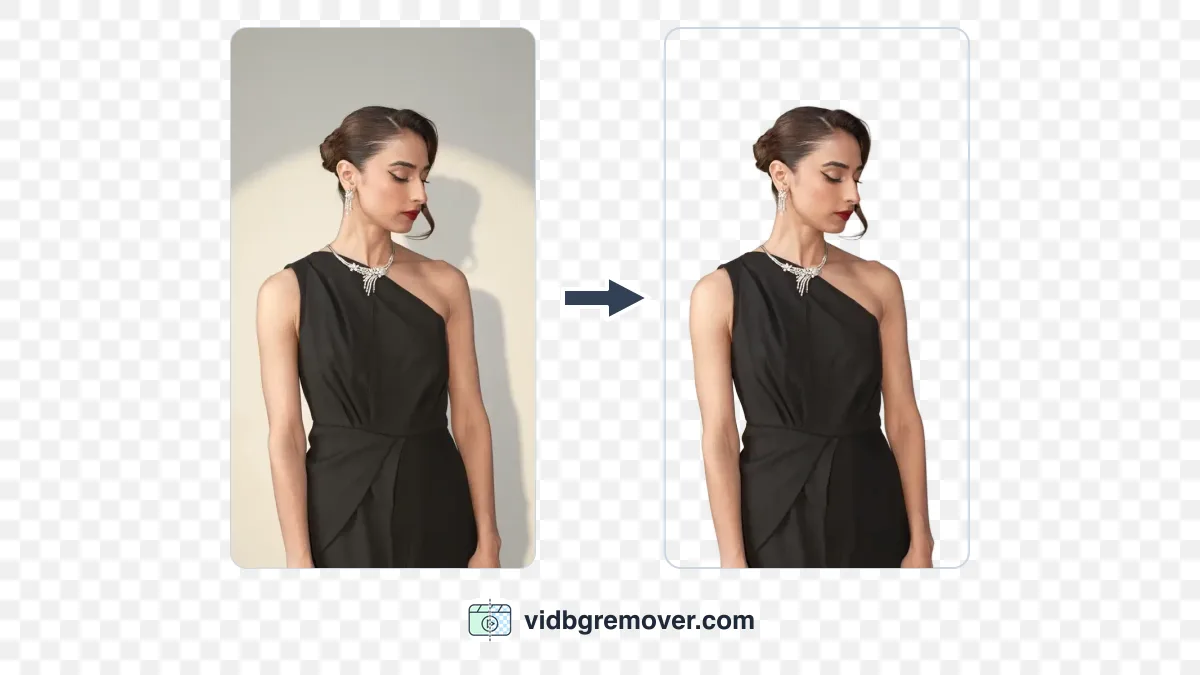
Why Is My Transparent Video Black? Causes and Quick Fixes
A transparent video with a black background may be fine: the player cannot show alpha, or the file really lost it on export. Test it in one minute.
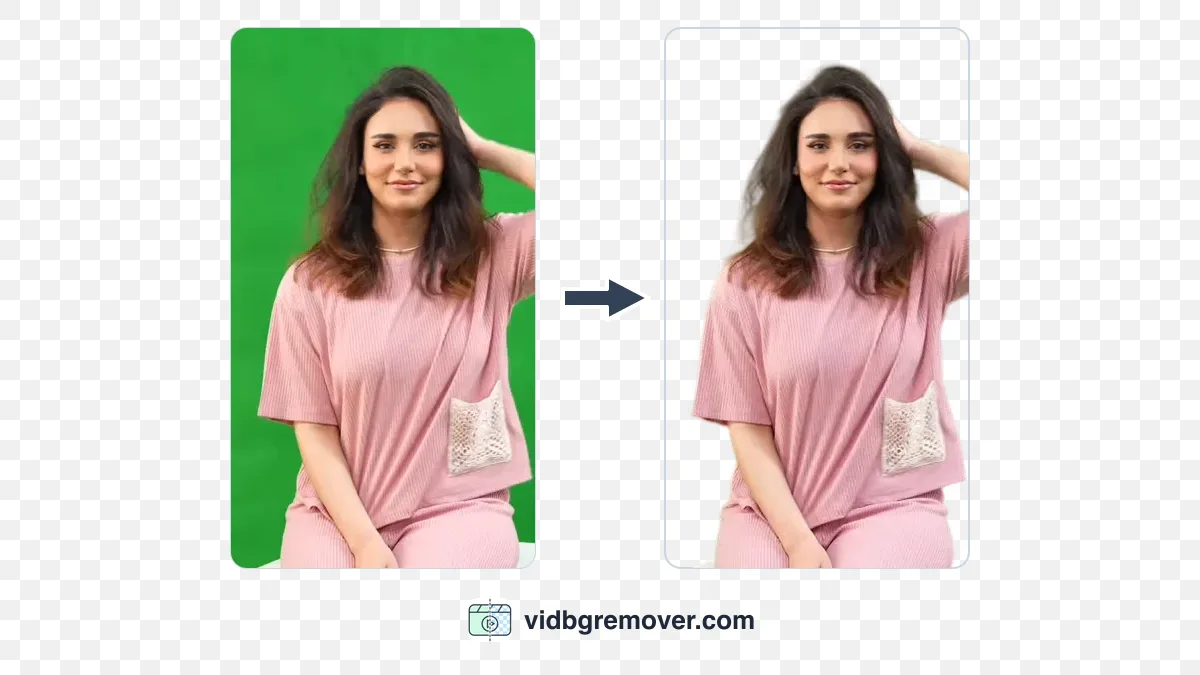
Video Background Removal: Fix Flicker and Missing Hair
Edges flickering or hair disappearing after video background removal? Check the source, cutout, and export in order, then decide what to fix or reshoot.
More AI Video Tools
Blog
Why Is My Transparent Video Black? Causes and Quick Fixes
A transparent video with a black background may be fine: the player cannot show alpha, or the file really lost it on export. Test it in one minute.
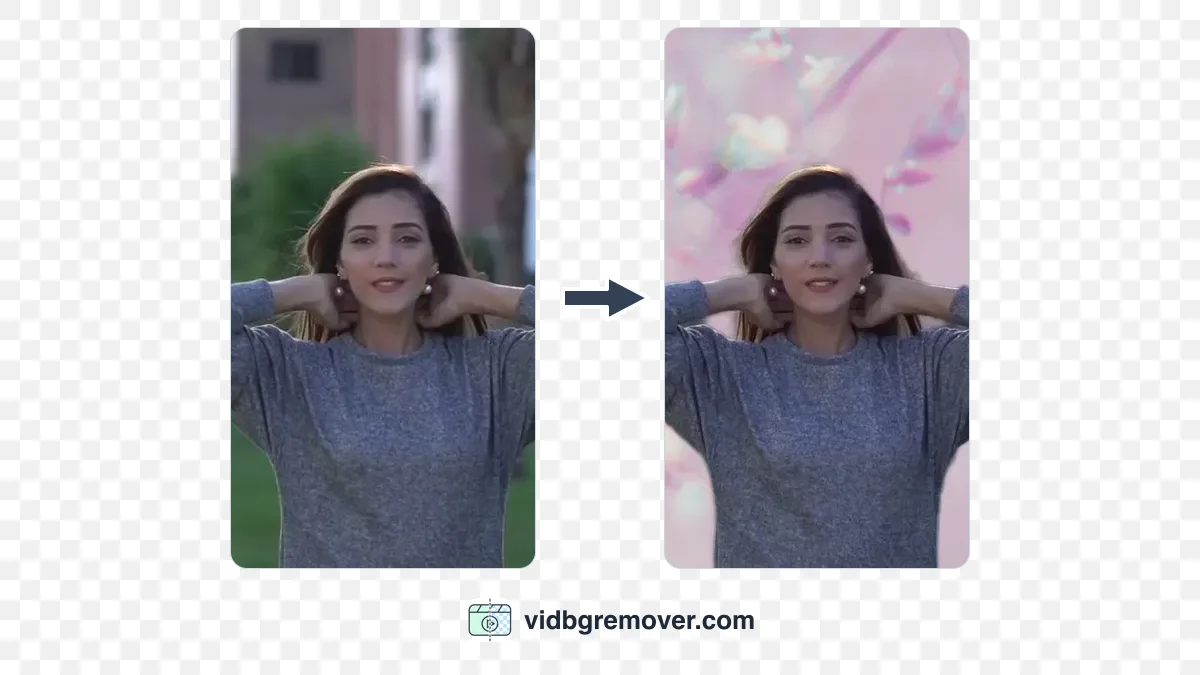
How to Remove a Video Background in CapCut for Free
CapCut free locks Auto removal behind Pro, but Chroma key and alpha export with HEVC (Alpha) or ProRes 4444 stays open. Here is the workflow and where it stops.
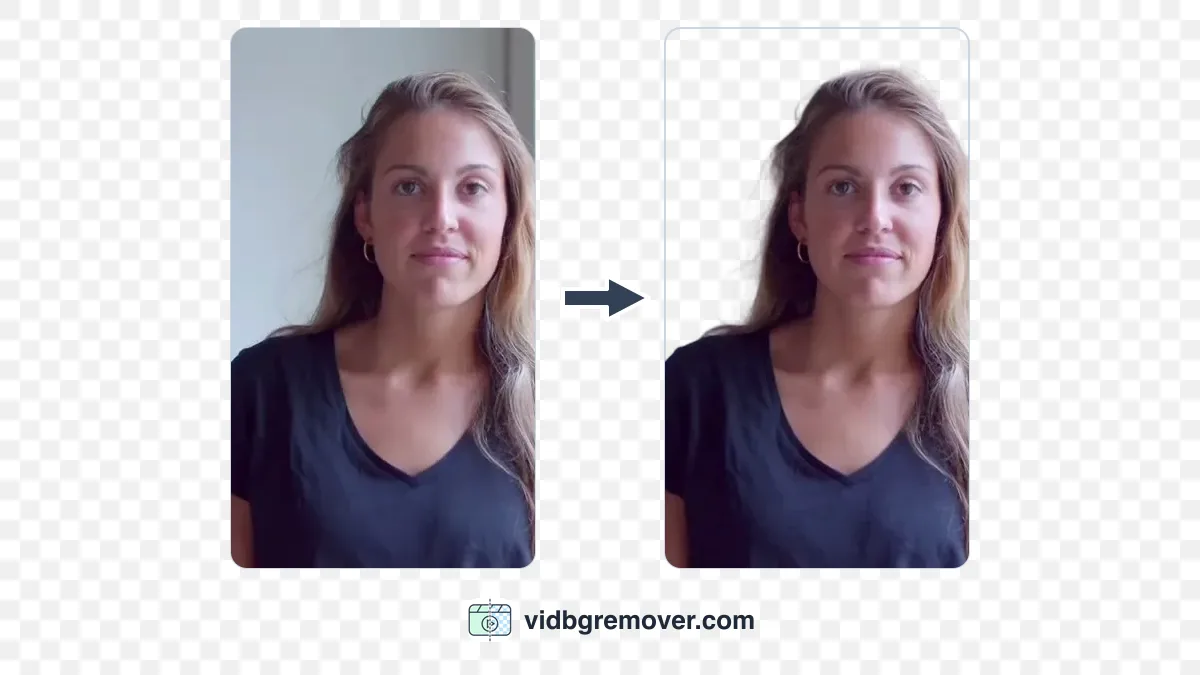
Create a Transparent Presenter Overlay for Video Lessons
Create a transparent presenter overlay for a lesson. Sync and cut the camera with your screen capture, remove its background, and overlay it in your video editor.
Video Background Removal: Fix Flicker and Missing Hair
Edges flickering or hair disappearing after video background removal? Check the source, cutout, and export in order, then decide what to fix or reshoot.
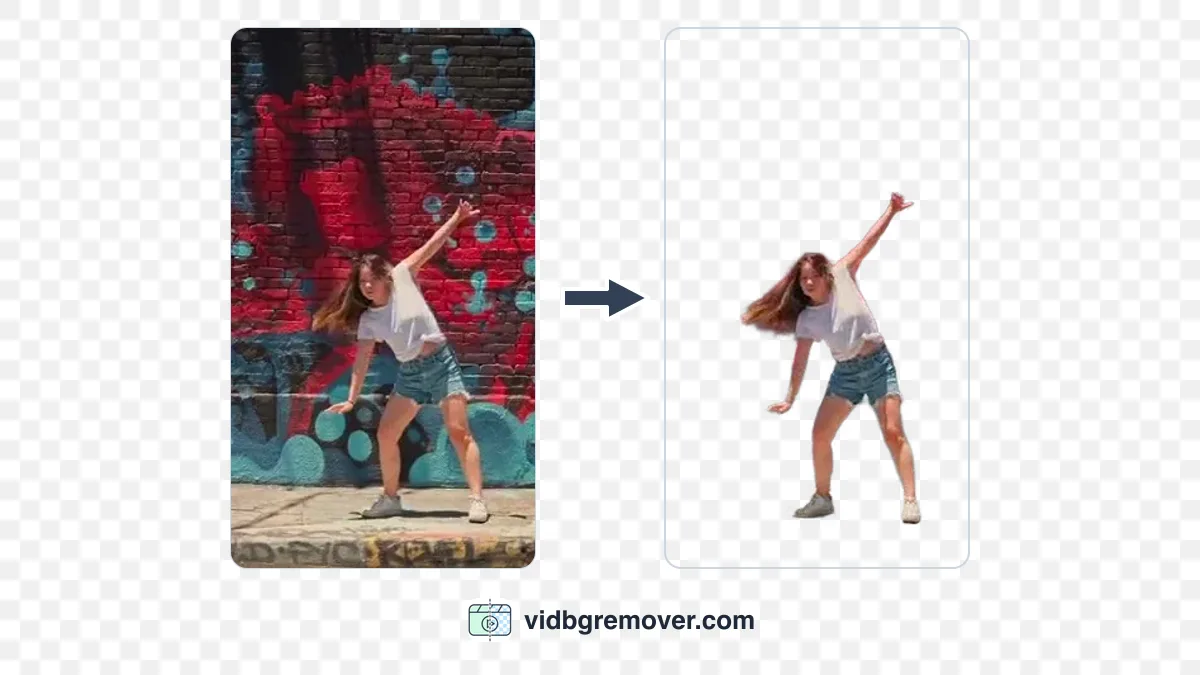
How to Make a Video Background Transparent: Export Guide
Learn why a transparent video can look black, choose an alpha-compatible format, and check that your target app reads the transparency.
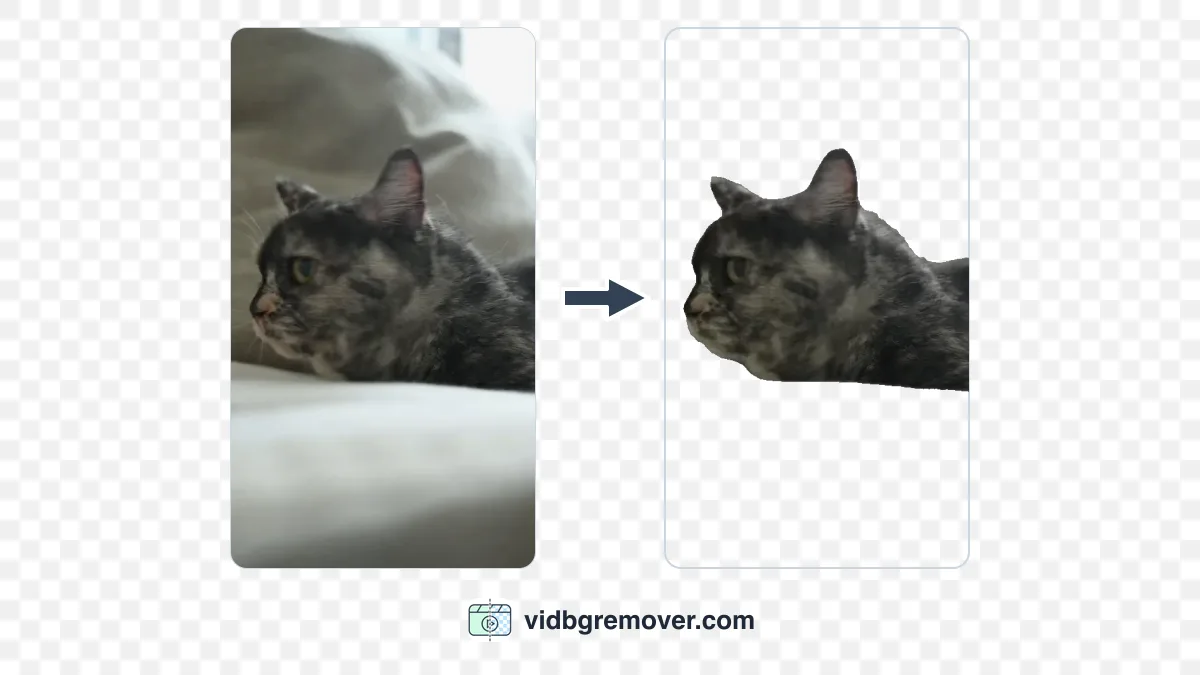
How to Make a Transparent GIF Sticker for Social Media
Learn how to make a transparent GIF sticker from a video or existing GIF, then use it in chats, social posts, stories, and video edits.